How to Make a Hit the Road Dude Meme
Three steps from a photo to a vertical video you can post. The result is a new AI clip with newly generated dialogue, not a copy of the original meme.
Make your videoPerson and pet examples
Photo
Video
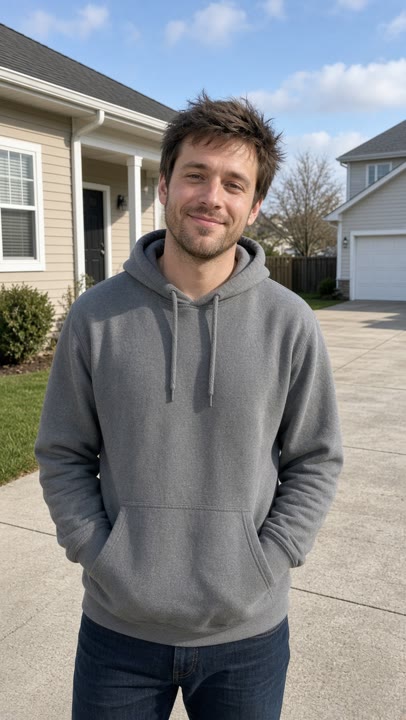
Your friend · 10 seconds, 720p, 9:16 vertical, with sound Photo
Video

Your cat · 10 seconds, 720p, 9:16 vertical, with sound
The video is a new AI interpretation of the meme with newly generated dialogue. It is not an exact recreation of the original clip's audio, motion, or lip sync, and results can vary slightly in likeness.
Three steps
Step 1
Pick a clear photo
Choose one clear photo of yourself, a friend, or a pet. The face should be easy to see.
Step 2
Upload and generate
Upload the photo and generate a 10-second 720p vertical video with regenerated dialogue.
Step 3
Download and share
Download the MP4 and share it on TikTok, Reels, YouTube Shorts, or X.
Photo tips
A front view or a three-quarter angle with even light works best. Keep a single subject in the frame so the driver stays recognizable.
Avoid group shots, covered faces, heavy filters, and very dark or blurry photos.
What you get
A 10-second, 720p, vertical 9:16 MP4 with newly generated dialogue. One video starts at $6.99. There is no subscription.
Make your videoQuestions
- What do I need to start?
- One clear photo of a person or a pet, and a one-time video credit. There is no subscription.
- Where can I post the video?
- Download the MP4 and post it on TikTok, Instagram Reels, YouTube Shorts, or X.
- How much does one video cost?
- One 10-second 720p vertical video starts at $6.99. You pay once and download the MP4.